Your public website
Keep it current yourself.
Publish pool hours, club information, and updates with a visual page editor, rich text, photos, galleries, and reusable library images. Preview drafts before publishing.
Your website and member portal
One place for families to pay bills, book a swim, find club information, and ask for help. Your website and member portal share your club’s branding and the records your team already uses.
One household, one place
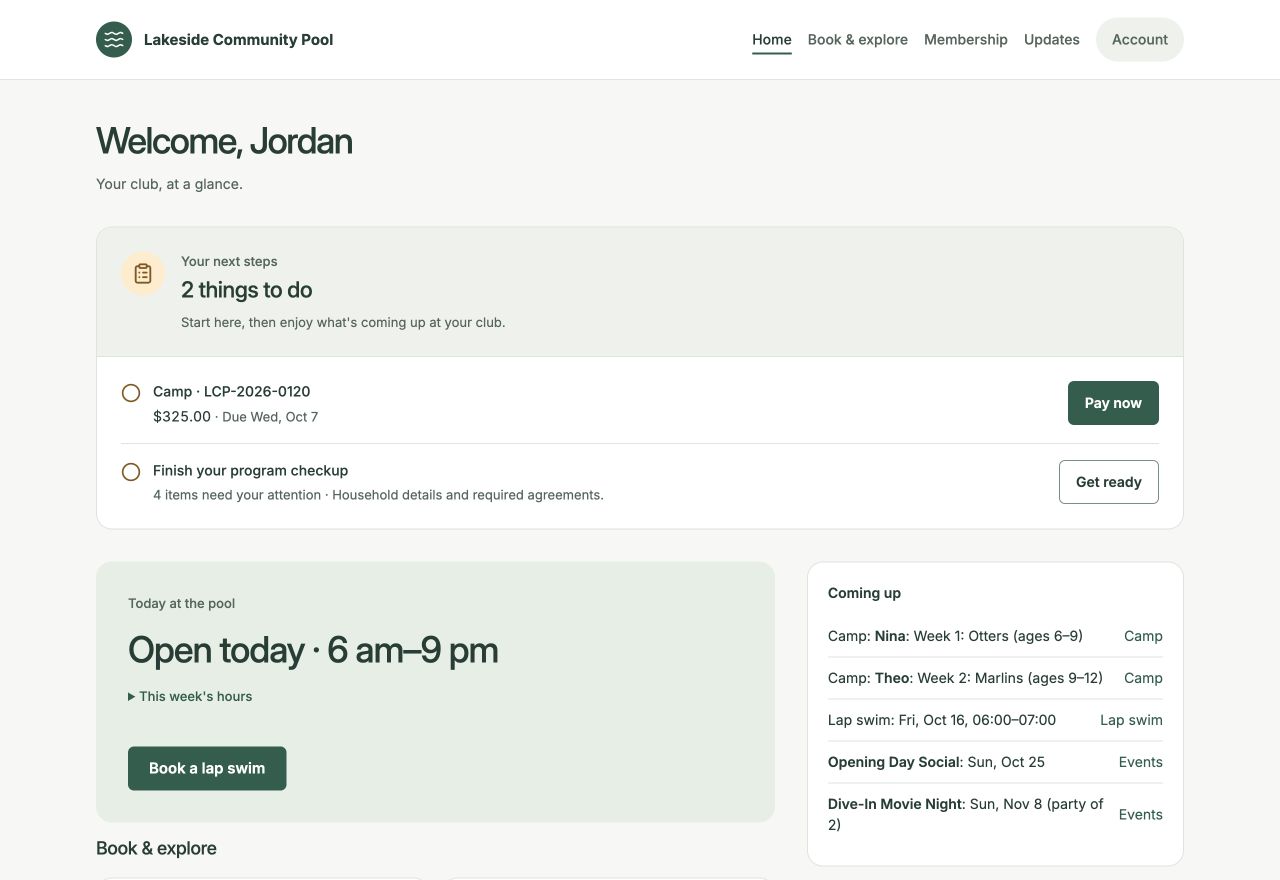
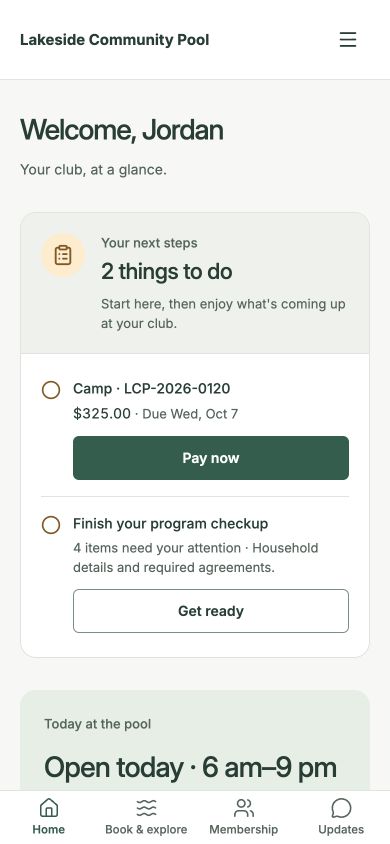
Update family details, review agreements, see invoices and payments, and manage available payment methods. The same records are there when staff need to help.
Check hours, reserve a lap session, book a private lesson, register for camp, or RSVP to an event. Members see the programs your club offers and their account can access.
Read club pages and documents, ask a question when Ask is enabled, or write directly to the pool team. An unresolved Ask answer can travel with the question to staff.
A connected club website
Your public website
Publish pool hours, club information, and updates with a visual page editor, rich text, photos, galleries, and reusable library images. Preview drafts before publishing.
Your voice
Where enabled, the writing assistant drafts website text and newsletters using your club’s information and tone. You make the final edits and decide when to publish.
Explore AI for your clubYour choice
You can link an existing public site to the Swim Ops portal, or bring your website and portal together. We work through branding and domain setup during onboarding.
Plan the moveAsk is an automated question-and-answer feature inside the portal. Members can always contact staff. Connections from members’ own personal AI assistants are not available today.
A few good questions
No. The member portal runs in a browser on phones, tablets, and computers. It uses your club’s branding and the household’s existing account.
No. Keep your website and link to the portal, or use Swim Ops for both. We work through branding, links, and domain setup during onboarding.
When enabled, Ask uses member help, club pages the person can access, and their household’s account. It can make mistakes. Members can contact the pool team directly or send an unresolved question and its answer to staff.
Personal-assistant connections for member accounts are not available today. Members use Ask inside the portal; external AI connections are currently for staff administration.
Let’s start with your club
We’ll walk through the workflows that matter to you and plan a private trial with your own records.
Book a walkthrough